Find a game
The home page
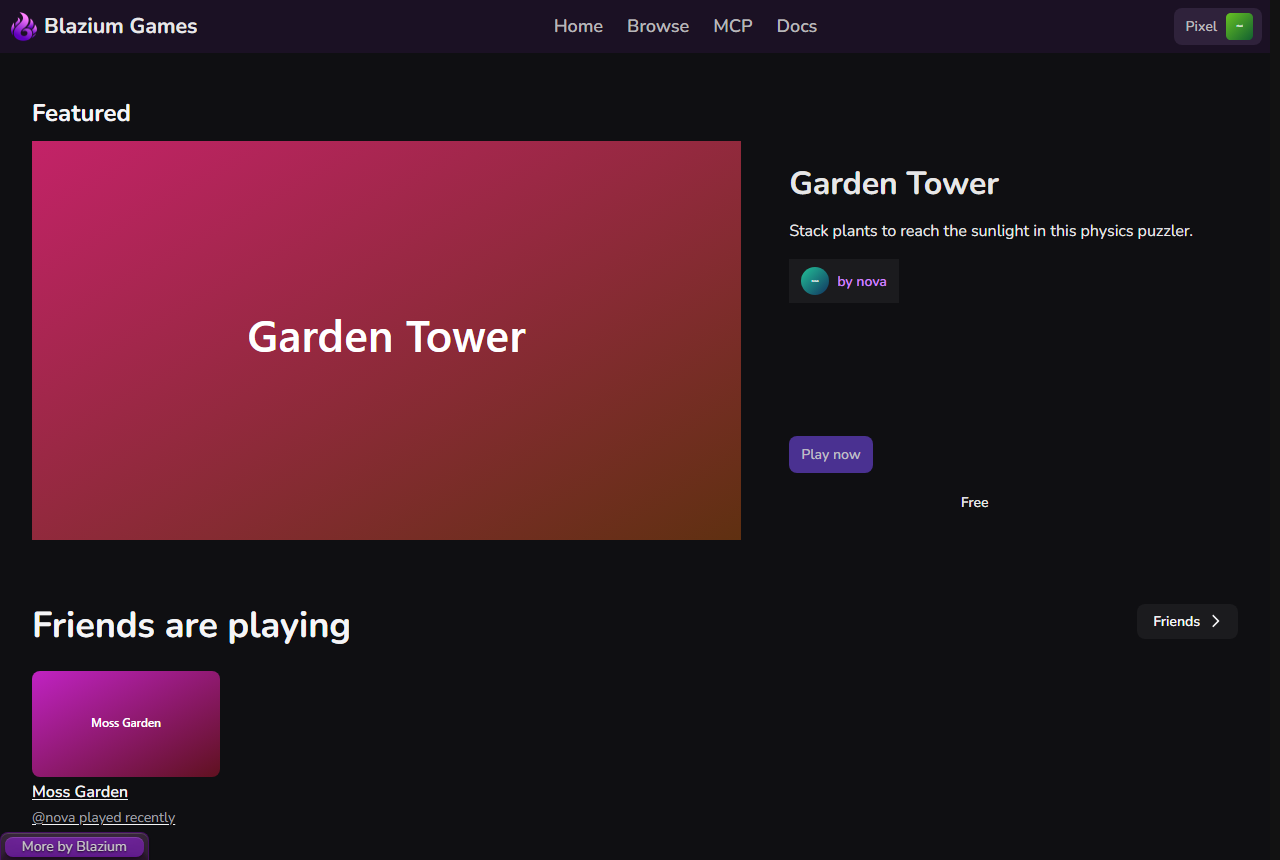
The home page is a set of shelves. Each shelf only lists games that have a clean download for the platform your browser reports, so a Linux visitor sees games that run on Linux. Shelves with nothing to show are hidden.
| Shelf | What it shows |
|---|---|
| Featured | One standout game, shown large. |
| New releases | Games published in the last 30 days, newest first. |
| Recently updated | Games and apps with the newest builds. |
| Made with Blazium | Projects built with the Blazium engine. |
| In development | Games still in development or at the prototype stage. |
| Play in your browser | Games with a web build. |
| From the community | Games players have reviewed and tagged recently. |
| Tools, mods & assets | Tools, mods, plugins and assets for developers. |
| Something for tonight | Short games that launch reliably. |
| Unheard of | New games that few players have found so far. |
Shelves with a See all link open Browse with the matching filter already set.
When you are signed in and a friend has played something in the last 14 days, a Friends are playing row appears under Featured. See Friends.
If a shelf fails to load, the page says "Some sections could not be loaded. Reload the page to try again."
Game cards
Each card shows the title, the developer, a short tagline and the price (or Free). Depending on the game, it can also show:
- Play in browser (the game has a web build) or Download.
- In development or Prototype.
- How long a session usually lasts and how many players it supports.
- How it was made: Made by people, People with AI agents or Mostly AI agents, as the developer states it.
- 18+ for adult listings. These only appear after you turn on adult content.
On Browse, a game with launch problems also shows Launch problems reported. Click the title or picture to open the store page, or the developer's name to open their page.
Browse
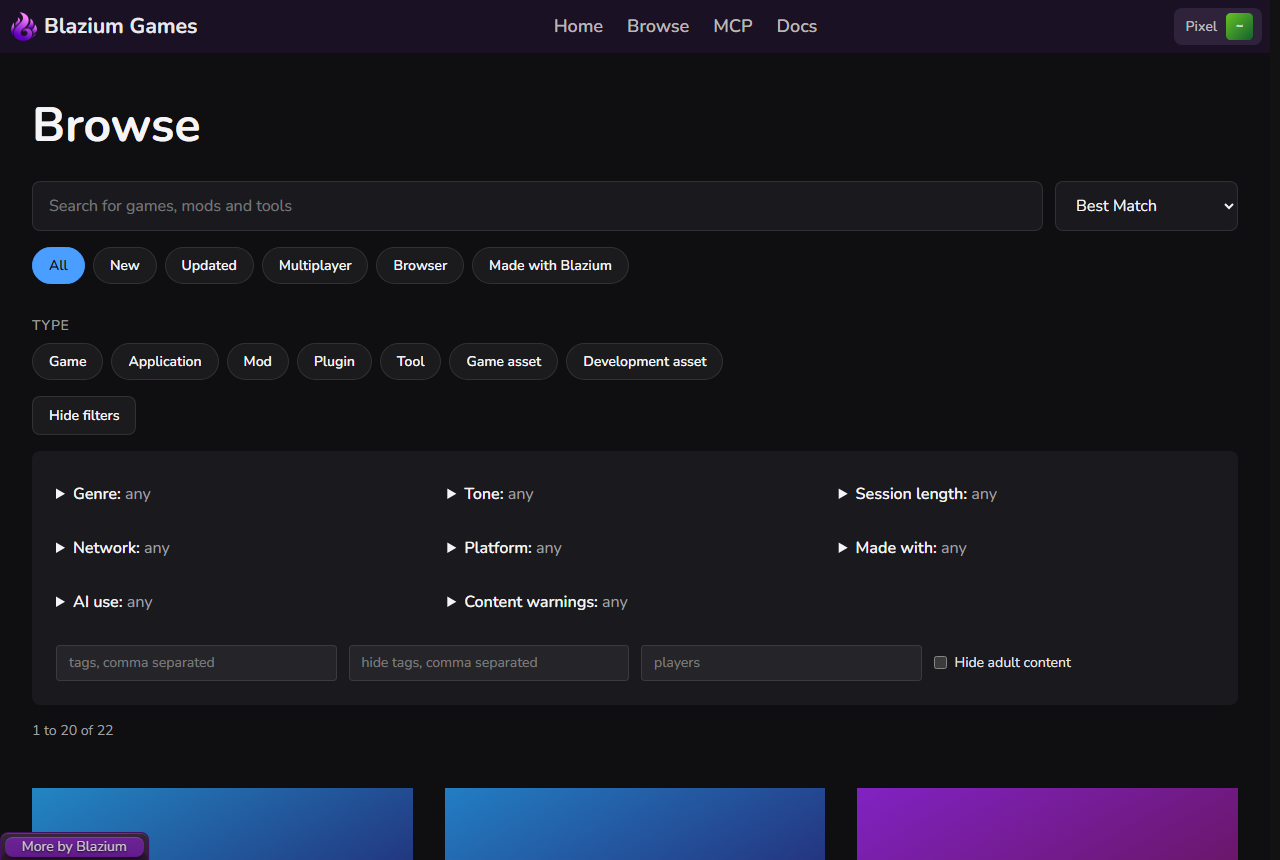
Open Browse in the header.
- Type in Search for games, mods and tools. Results update as you type.
- Pick a quick filter: All, New, Updated, Multiplayer, Browser or Made with Blazium. Picking one replaces the previous quick filter.
- Pick one or more types: Game, Application, Mod, Plugin, Tool, Game asset or Development asset. Click a type again to turn it off.
- Change the order with the sort menu: Best match, Newest or Recently updated.
Click More filters for more options. Each group opens when you click it, and its summary says how many options are shown or hidden.
- Genre, Tone and AI use let you pick what to show and also what to hide.
- Session length, Network, Platform and Made with narrow the results to what you pick.
- Content warnings only hides: tick Hide violence, Hide flashing lights and so on.
- The text boxes filter by tags, hide tags, and a number of players.
- Hide adult content (signed in only) leaves adult listings out of this search even if you have turned them on.
A dot on More filters means one of these is set. Clear all resets everything.
If nothing matches, the page says "Nothing matches these filters. Try fewer filters or clear them all."
Mods and tools for a game
A game's store page can have Tools and utilities and Mods and plugins rows. Items marked From the developer come from the game's own developer; Community items come from other people.
See all opens a page with every mod or tool for that game, split into From the developer and From the community. A mod's store page shows whether it works with the game's current build, and How to install explains where its files go.
The developer's page
Each developer has a page at username.blazium.games with their Games, In development and Tools, mods & assets. Adult listings are hidden there too unless you have turned them on.