Graphical Assets Guidelines
When listing your product on blazium.games, you provide a thumbnail, a cover and gallery screenshots. These are displayed in different places on blazium.games.
Image rules
PNG, JPEG, GIF or WebP. The format is read from the file itself, not its name. Each slot has its own size. 16:9 means the width divided by the height is between 1.70 and 1.85. Square means that ratio is between 0.95 and 1.05.
| Slot | Minimum | Maximum | Shape | File size |
|---|---|---|---|---|
| Thumbnail | 960x540 | 1920x1080 | 16:9 | 5 MB |
| Cover | 1024x576 | 2048x1152 | 16:9 | 8 MB |
| Screenshot | 1280x720 | 2048x1152 | 16:9 | 10 MB |
| Avatar | 256x256 | 512x512 | Square | 2 MB |
A gallery holds 4 to 20 screenshots. chauffeur adds at most 10 at a time, and a game can change images 60 times an hour.
Upload a thumbnail, cover and screenshots on the game's edit page, or with chauffeur media and the game's deploy key. The avatar is on the account settings page.
Thumbnail Image
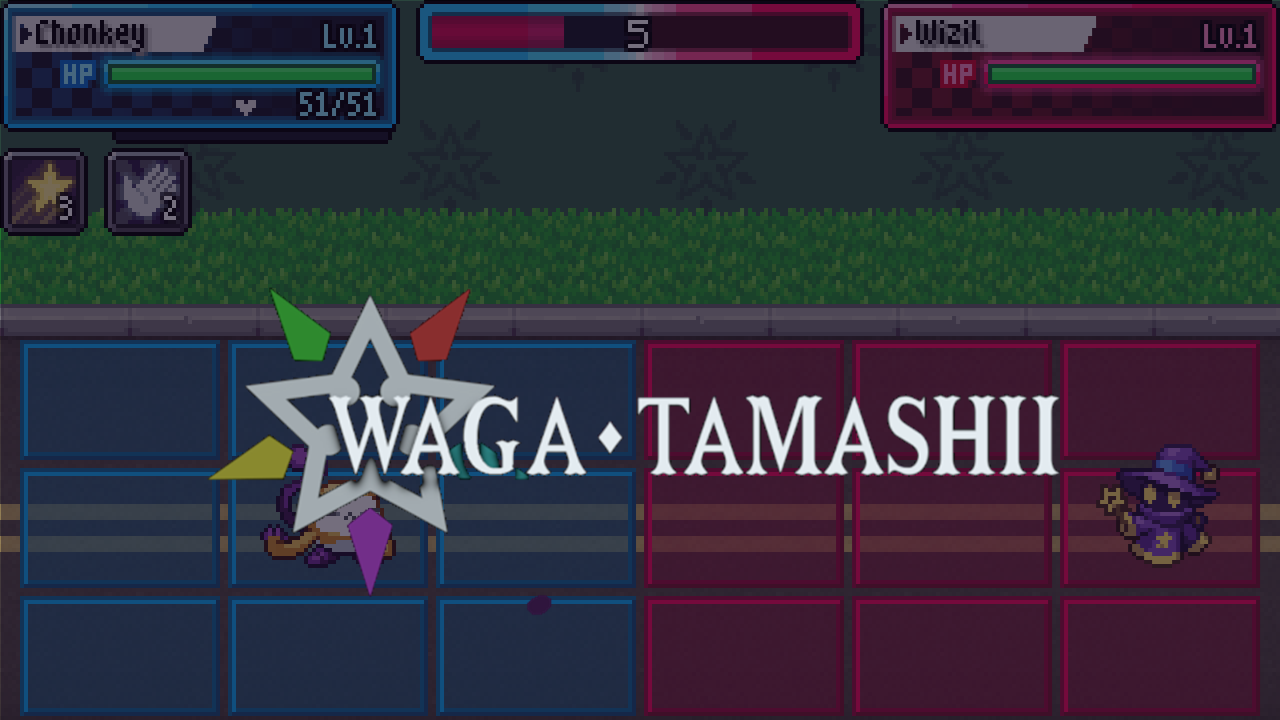
- Size: 1280x720 recommended, inside 960x540 to 1920x1080, 16:9, up to 5 MB.
- Usage: Home page, browse page, profile cards and similar games. Every one of those frames is 16:9.
- Design: For best results use the product's key art and logo.
Cover Image
- Size: 1024x576 recommended, inside 1024x576 to 2048x1152, 16:9, up to 8 MB.
- Usage: The store page sidebar, up to 400 px wide, and the press page at the content width.
- Design: The product's logo should be easily legible even at smaller sizes.

Screenshots Images
- Size: 1920x1080 recommended, inside 1280x720 to 2048x1152, 16:9, up to 10 MB. Scale 4K captures down to fit.
- Usage: The store page viewer, up to 900 px wide, and the press gallery. A public listing needs at least 4.
- Design: Screenshots should exclusively show the usage of the product (gameplay, tool or asset being used).

Avatar
- Size: 512x512 recommended, inside 256x256 to 512x512, square, up to 2 MB.
- Usage: The account menu, the settings page (96 px) and the profile page (128 px). Shown cropped to a square.
- Design: A face or a mark that stays recognizable at a small size.